
Overview
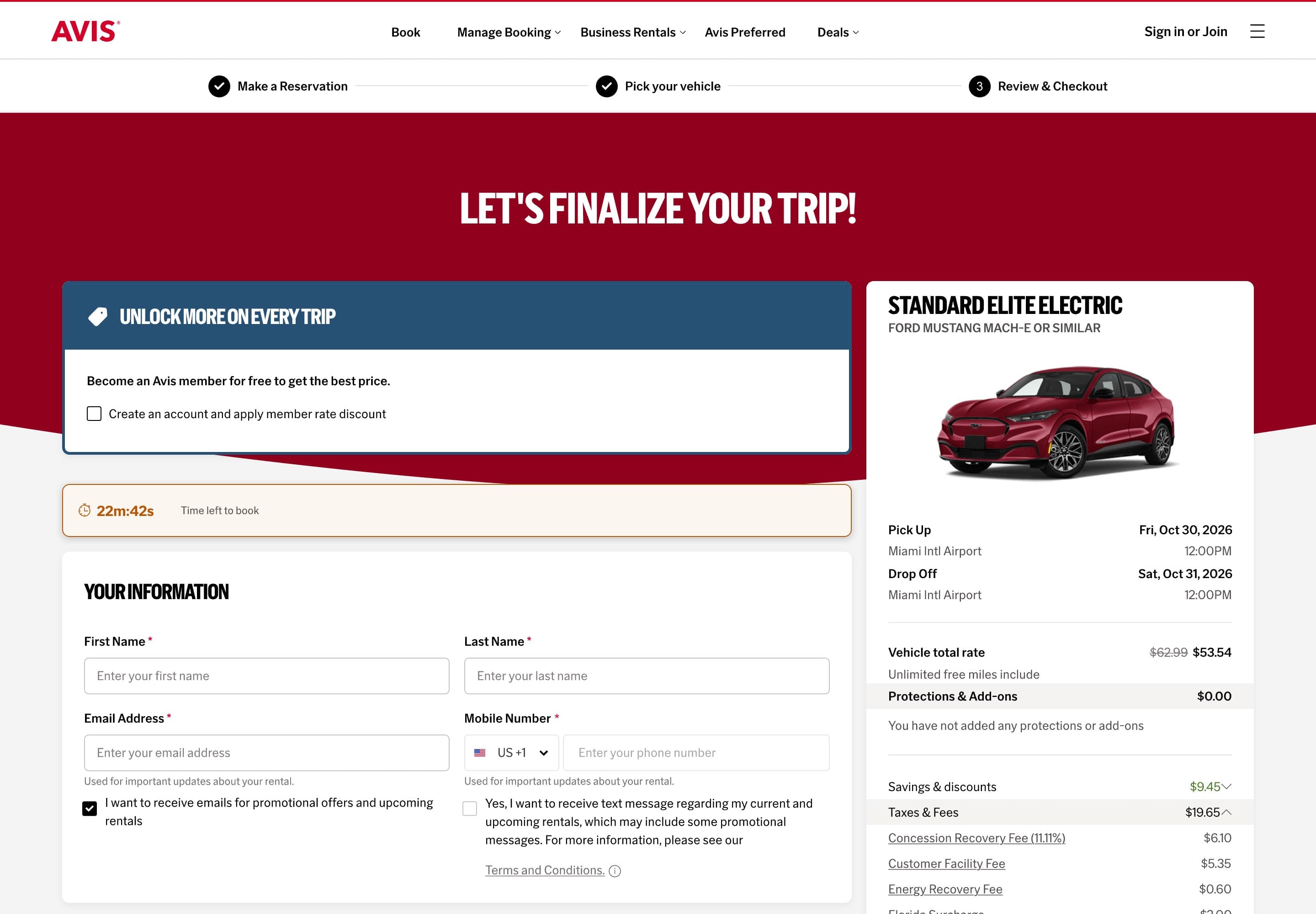
At Avis Budget Group I redesigned the booking flow, taking it from five steps to three: make a reservation, pick your vehicle, then review and checkout. I designed the review and checkout page, now live on avis.com. Conversion rose by 5% during testing.
Five steps to three
Protections and add-ons each had their own step. Now both sit on the review and checkout page.
Before
- 1Make a reservation
- 2Pick your vehicle
- 3Protections
- 4Add-ons
- 5Review & Book
After
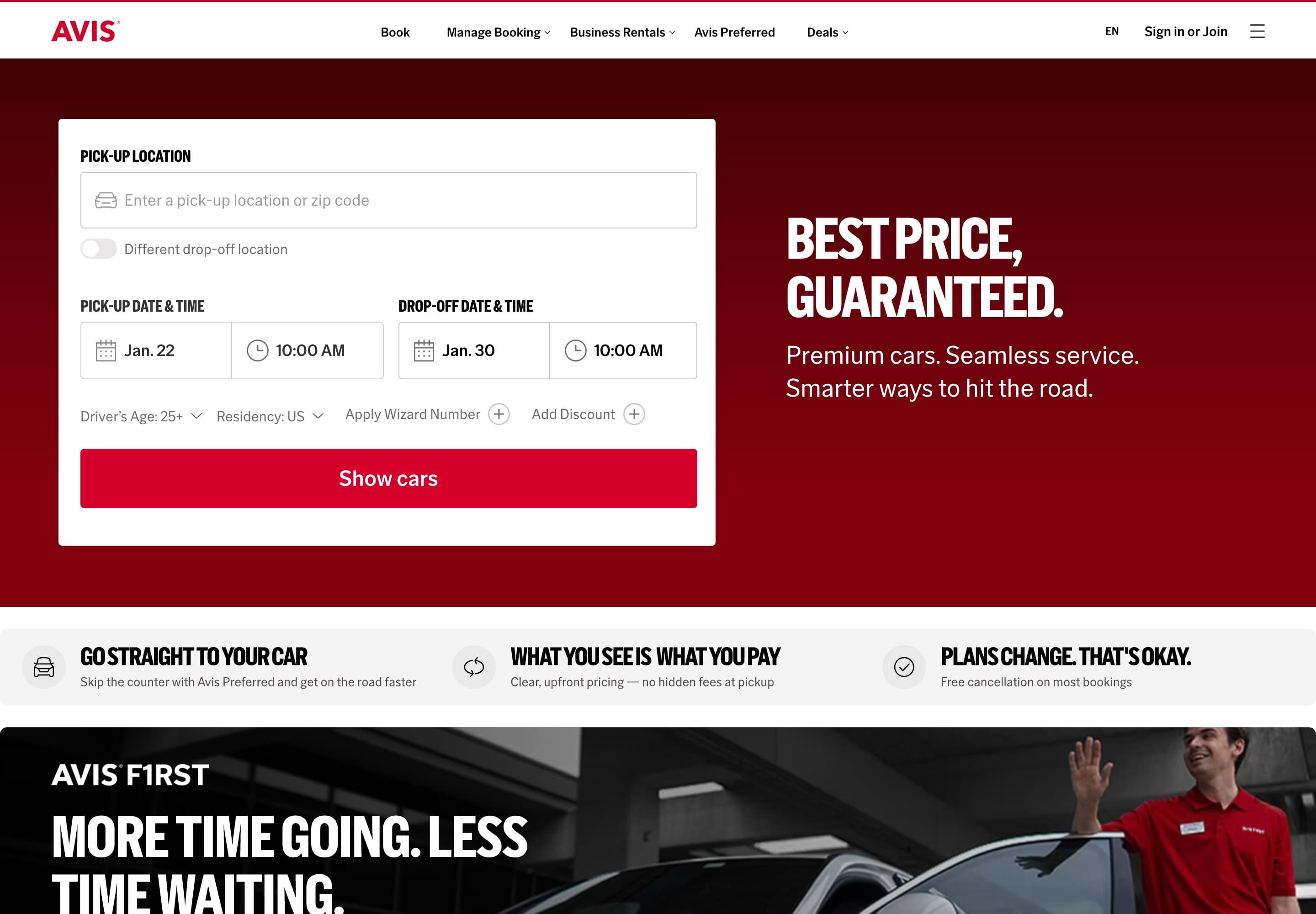
- 1Make a reservation
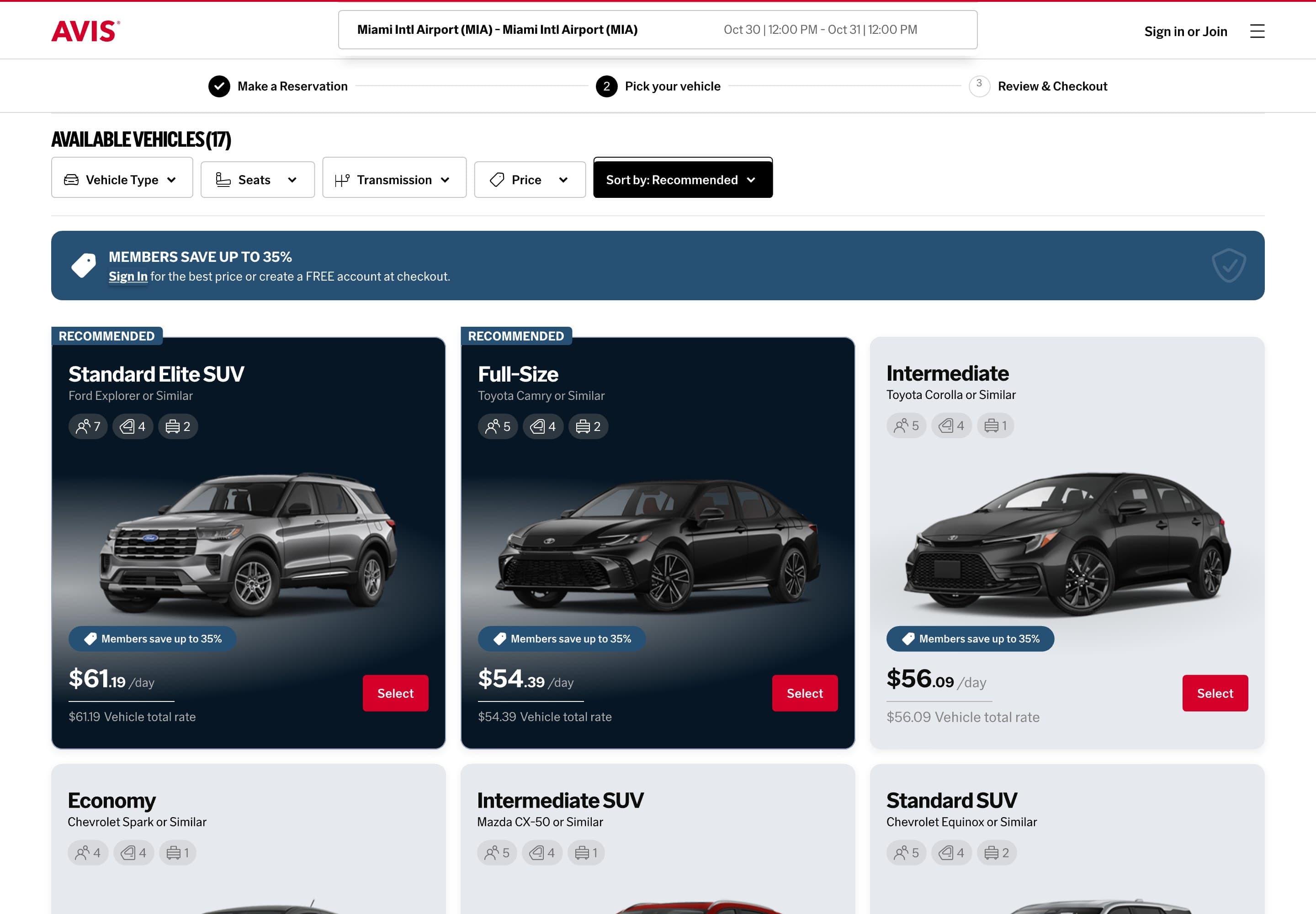
- 2Pick your vehicle
- 3Review & CheckoutProtectionsAdd-onsPayment
- 1Make a reservation
- 2Pick your vehicle
- 3Review & Checkout
Protections and add-ons
On the new checkout, protections and add-ons had to sit alongside the booking form. Each became a small component with its own states.
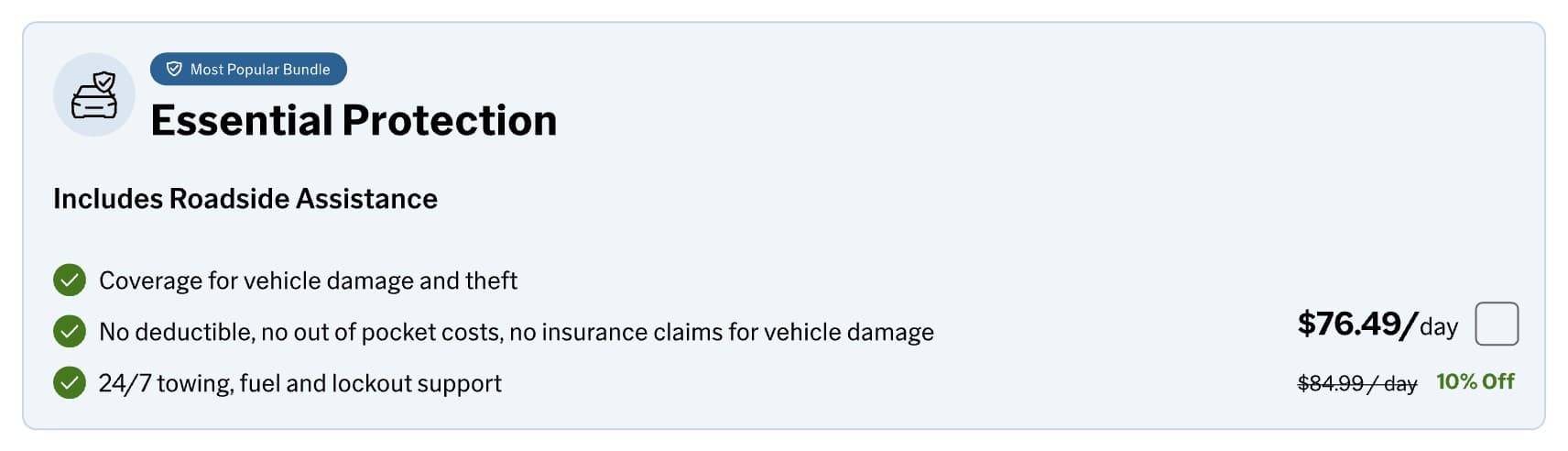 Protection bundle. The most popular cover, with its daily price and saving.
 Confirmation once protection is chosen.
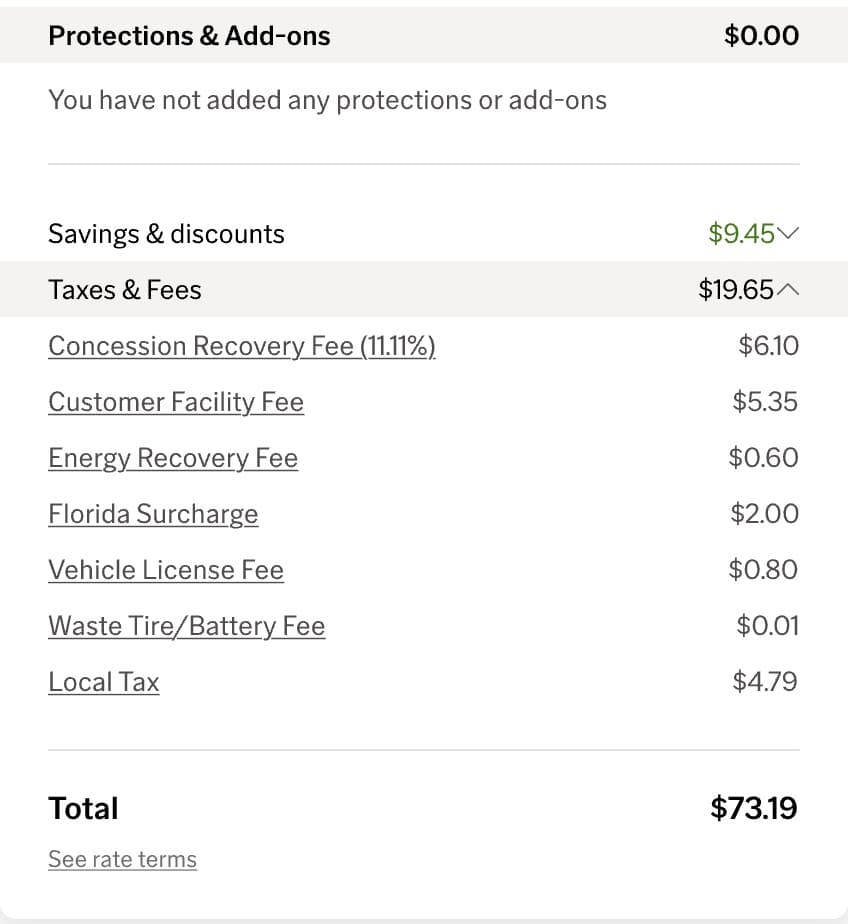 The summary totals protections, add-ons, savings, taxes and fees.
 More cover, folded away until it's needed.
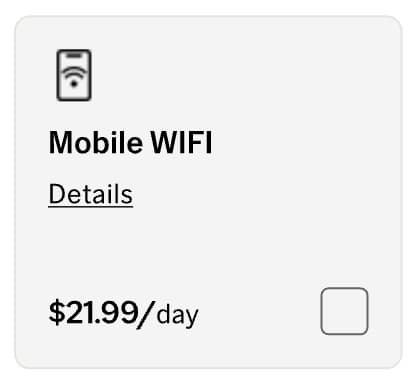 An add-on: name, details, daily price and a checkbox.
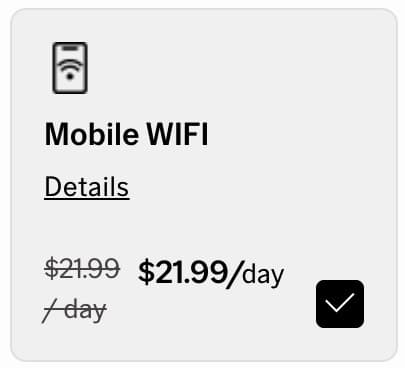 The same add-on, selected.
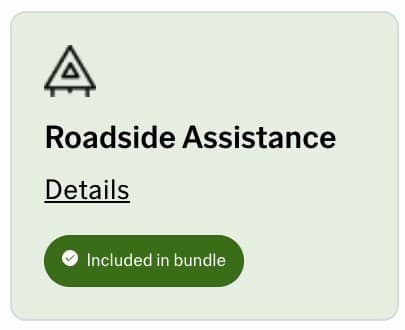 Roadside Assistance, marked as included in the bundle.
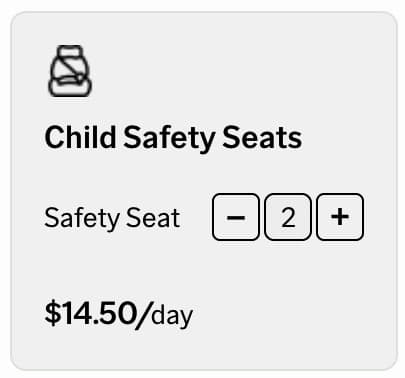 Child seats, chosen by quantity.
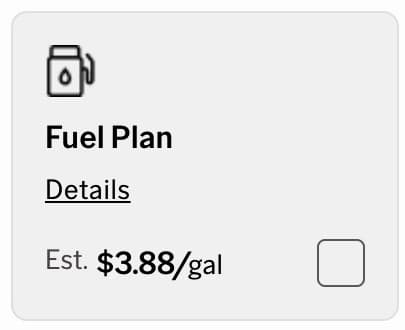 Fuel Plan, priced per gallon.
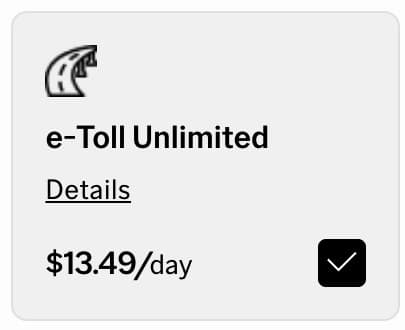 Ticking an add-on updates the total straight away.